Block theme forms are the one part of a modern WordPress site that still feels bolted on. Your theme declares type, color and spacing in theme.json. Your editor builds every page out of blocks. Then your form plugin opens a separate interface, with its own markup and its own stylesheet.
The result is a form that looks close to your design without ever matching it. Buttons land on the wrong radius. Labels use a font size nobody chose. Spacing comes from the plugin rather than the theme. On a site built block by block, that gap is the most visible inconsistency a visitor meets, because the form is the exact moment you ask them to act.
So this post covers three things: why the mismatch happens, what changes when form fields are real blocks, and how to move an existing site across without losing entries.
Why forms sit awkwardly in a block theme
Most form plugins were designed before the block editor existed. Their architecture assumes a PHP renderer, an admin screen for building fields, and a shortcode to drop the result into a page. The block editor then became one more place to paste that shortcode.
A block theme works the other way around. It publishes its design decisions as theme.json design tokens, which the editor and the front end both read. Blocks ask the theme what a heading, a button or a gap should look like, and the theme answers in one place.
A traditional form plugin cannot join that conversation, because it carries its own values. So one page ends up running two design systems at once. Your theme sets a 6px radius and a 1.125rem label, the plugin sets its own, and whichever stylesheet loads later wins.
The second effect is structural. When a whole form is a single opaque block, the editor cannot see the fields inside it. You lose block-level alignment, spacing and duplication controls on the part of the page where layout matters most. Meanwhile the plugin usually enqueues its CSS and JavaScript everywhere, not only on the two pages that hold a form.
Five symptoms worth checking on your own site
None of this needs a rebuild to diagnose. Each check takes a few minutes on a page you already have.
- Style drift. Open a page with a form and a page without one, side by side. Compare the submit button against your theme’s buttons: radius, font, letter spacing, hover state. Differences you have to squint at are still differences visitors feel.
- A stylesheet you cannot turn off. Load a page with no form and check the enqueued handles. If the form plugin’s CSS and JavaScript are still there, every visitor downloads a form they never see. My guide to testing block plugin performance covers how to measure that fairly.
- An editor preview that lies. In the editor, does the form render as it will on the front end, or as a grey placeholder box? A placeholder means every styling change needs a save, a reload and a guess.
- Keyboard and screen reader gaps. Tab through the form without touching the mouse. Check that labels are tied to inputs, that focus is visible, and that a validation error is announced rather than only colored red.
- Shortcode leftovers. Search your content for form shortcodes. On a block site they are a dependency you cannot see in the editor, and they break quietly when a plugin changes its syntax or you move a template part.
What a native block form builder changes
A native builder treats each field as a block. That sounds like a detail, but it moves four things out of the plugin and back into WordPress.
Styling comes from the theme. Fields read the same tokens as the rest of your page, so a palette or type change in theme.json reaches the form without a second round of settings. The useful test of any form plugin here is whether it can render with no stylesheet of its own at all.
Layout uses the tools you already know. Fields sit in groups, rows and columns. You duplicate a field the way you duplicate a paragraph, and spacing uses your theme’s scale instead of a plugin margin.
The editor shows the real thing. You build the form in the canvas you publish from, so there is no preview gap and no save-and-reload loop.
Assets load where the form is. Block registration lets WordPress enqueue the form’s CSS and JavaScript only on pages that actually contain one, which keeps the rest of the site unaffected.
There is a trade-off, and it is worth saying plainly. Block-based builders are younger than the established form plugins, so the add-on catalogues are thinner, and anything you need beyond the common fields deserves checking before you commit.
How SubtleForms approaches it
I build SubtleForms, so read this section with that in mind. It exists because I spent years installing form plugins on client sites and then writing CSS to undo their styling on every single build.
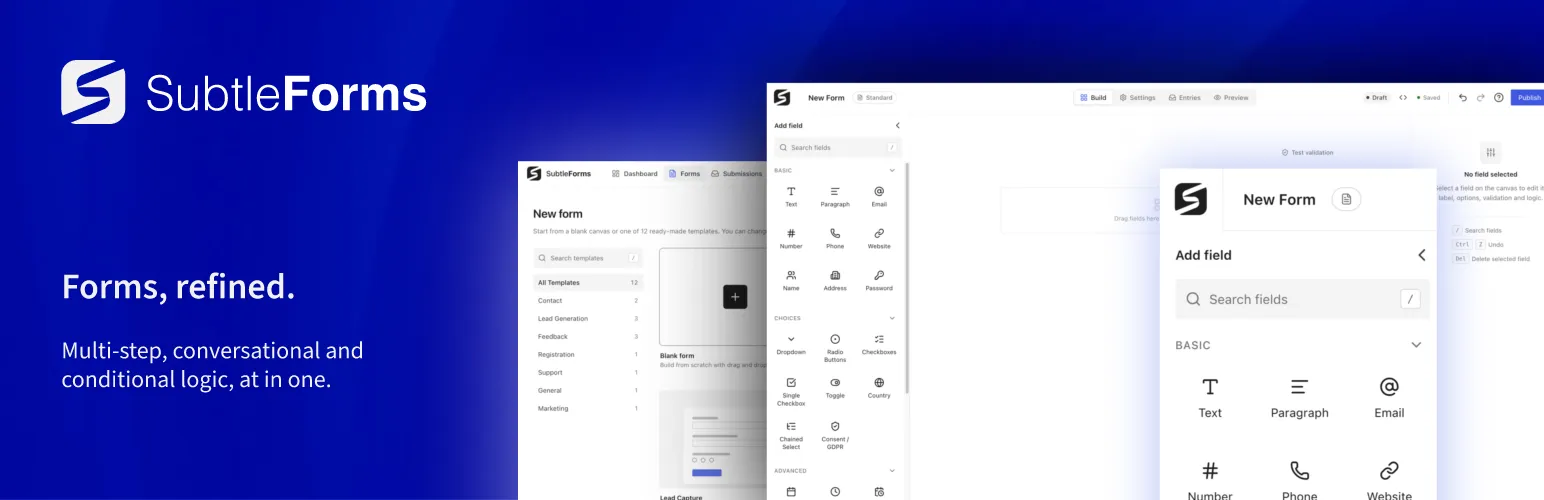
The design rule is narrow: fields are blocks, and the default style mode inherits everything from the theme with no plugin CSS at all. If your theme sets the button, the form uses that button. When you switch a form to custom styling, the controls start from your theme’s own fonts, colors and spacing rather than from a generic default, so you are adjusting your design instead of fighting someone else’s.
The free version on WordPress.org covers what most business sites need: text, email, phone, select, checkbox, radio and file upload fields, conditional logic, entry storage, email notifications, spam protection enabled by default, and connections to Mailchimp, Brevo, Kit, MailPoet and HubSpot. Pro adds the heavier work: signature and calculation fields, picture choice, multi-file uploads, advanced logic, form analytics, WooCommerce and payments, address autocomplete with maps, and CRM connections such as Salesforce, Pipedrive and Close.
You can install the free version from the WordPress.org plugin directory, and there is a fuller feature breakdown at subtleforms.com.
Switching without breaking the forms you already have
Forms carry revenue, so the migration order matters more than the plugin choice. This is the sequence I use on client sites.
- Inventory first. List every form, every page or template part it appears on, and every place its notifications go. Hidden forms in footers and popups are the ones that get missed.
- Start on staging. Rebuild one low-traffic form, not the main enquiry form. A newsletter signup or a careers form is a safer first test.
- Run both plugins in parallel. Keep the old plugin active while you rebuild, so a rollback is a block swap rather than a reinstall.
- Send real test entries. Submit from a logged-out browser, then confirm the entry is stored, the notification arrives, and the reply-to address is usable. If anything goes missing, my walkthrough on tracing form email from submit button to inbox covers where to look.
- Check what happens after submit. Confirmation message, redirect, and any analytics event all need retesting, because conversion tracking usually hangs off the old plugin’s success state.
- Export entries before you deactivate anything. Download a CSV of historical submissions and store it outside the site.
- Swap during a quiet window, then watch. Compare entry volume for 48 hours against the previous week. A drop of any size means a form is broken somewhere you have not looked yet.
If the form is a quote request rather than a contact form, the field choices matter as much as the plugin. I wrote separately about designing quote forms that qualify projects, and about safer file upload workflows when clients need to send documents.
When a traditional form plugin is still the better choice
Styling consistency is not worth breaking something that works. Stay where you are if any of these apply.
- You depend on a specific add-on. Partial entries, quiz scoring, a niche payment gateway or an industry integration can be the whole reason a plugin was chosen. Replacing the form means replacing that too.
- The form is really an application workflow. Multi-stage submissions with approvals, document review and internal routing usually belong in a tool built for that, or in an automation layer behind the form.
- Your team is trained on it. If five non-technical editors build forms every week, retraining them costs more than the styling you gain.
- Compliance drove the decision. Where a vendor was selected for data handling or a signed agreement, that choice outranks design consistency.
If you are still weighing options, I compared six of them in this WordPress form plugin comparison, including where each one fits and where it stops making sense.
A checklist before you switch
- Every form listed, with its pages, templates and notification recipients
- Historical entries exported to CSV and stored off the site
- One low-traffic form rebuilt on staging and submitted from a logged-out browser
- Notification delivery confirmed, including reply-to and any CRM handoff
- Confirmation, redirect and analytics event retested
- Form styling checked against the theme at mobile and desktop widths
- Keyboard path and error announcements verified
- Old plugin kept installed but inactive for two weeks as a rollback
If you want this handled rather than scheduled, that is the kind of work I take on. I rebuild and maintain WordPress and WooCommerce sites for clients in the US, UK and UAE, and form migrations are a common first job.
FAQ
Does WordPress have a built-in form block?
No. Core ships a comment form and a search block, but there is no general contact form block, so block theme forms still need a plugin. The choice is whether that plugin works with your theme’s design system or alongside it.
Will a block-based form match my theme automatically?
It should, if it reads theme.json values instead of shipping its own. Test it by changing a palette color or the base font in your theme and reloading a page with a form on it. If nothing moves, the form is styled independently.
Can I keep my existing form entries?
Export them to CSV before deactivating the old plugin. Most builders will not import another plugin’s entry history, so treat the export as your record and keep the old plugin inactive for a couple of weeks.
Do block forms load faster?
Usually, because block registration lets WordPress load the form’s assets only on pages that contain a form. The gain depends on what your current plugin enqueues globally, so measure it on your own site rather than trusting a benchmark.
Is SubtleForms free?
The core plugin is free on WordPress.org and covers standard fields, conditional logic, notifications and spam protection. Pro is a paid upgrade for payments, WooCommerce, CRM connections and the advanced field types.


