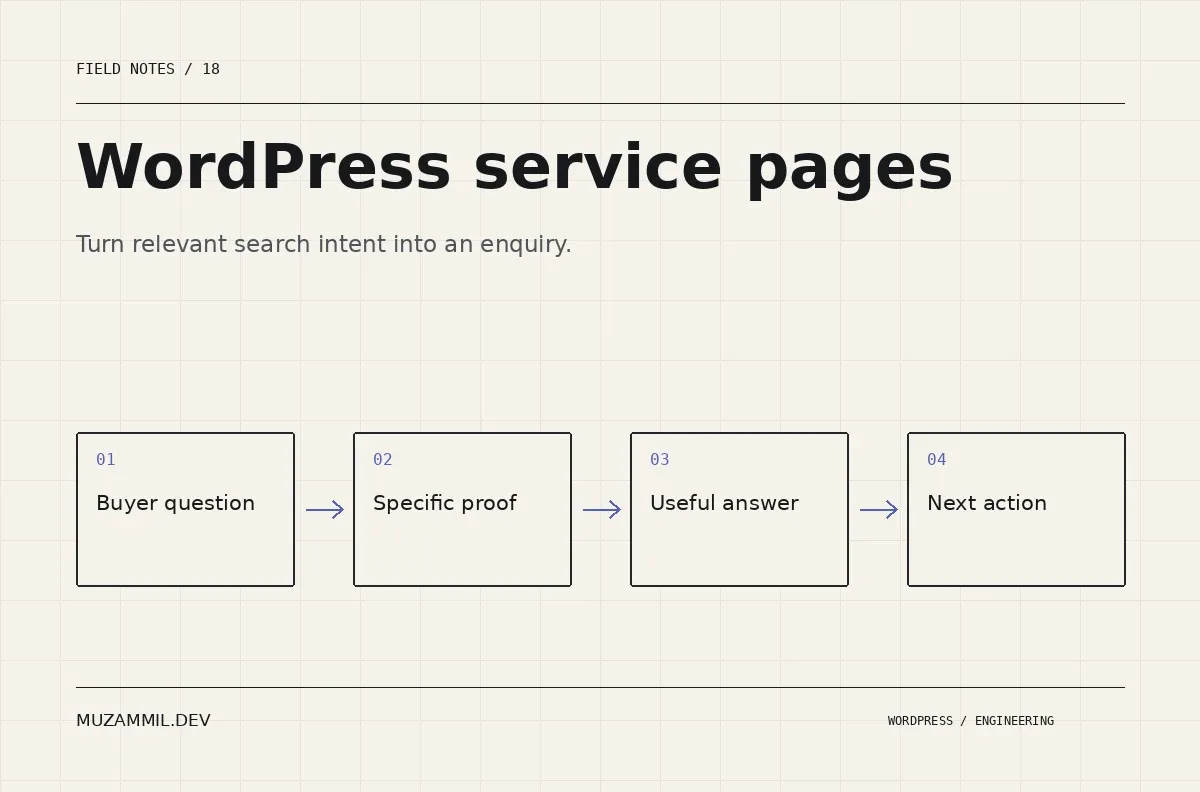
WordPress service pages should help a prospective client answer a few practical questions. Can this developer handle the problem? What would working together involve? What should I send to start the conversation?
Many pages make those answers harder to find. They list technologies, promise quality and end with a large contact button. The visitor still has to translate a commercial problem into the developer’s vocabulary.
For a remote developer working with UK and US clients, the page also needs to make collaboration understandable. That does not require pretending to have an office in every city. It requires specific proof, clear delivery expectations and an honest explanation of how the work happens.
Build each page around a recognisable problem
Start with a service the buyer can identify. “WooCommerce technical support” or “Custom WordPress plugin development” gives the page a clearer task than a headline about digital transformation.
Then describe the circumstances that bring someone to that service. A store may have intermittent payment failures. An agency may need a reliable developer to extend an existing build. A business may be maintaining a manual workflow that the website should handle.
Keep those examples concrete without claiming every possible project. A page becomes less convincing when it promises to solve unrelated problems for every industry.
Google’s people-first content guidance asks whether content serves a real audience and offers useful value. For a service page, that means helping a buyer make a decision, not filling every heading with a keyword variation.
Give WordPress service pages a clear opening
The opening should name the work, the intended client and the kind of outcome you can responsibly help produce. It should also make the next step visible.
For example, a technical-rescue page can explain that you investigate the failing workflow before recommending a rebuild. That tells the buyer something about your method. “We deliver innovative solutions” tells them very little about what happens after contact.
Avoid presenting a diagnosis as a certainty before you have inspected the system. A slow checkout could involve scripts, server work, integrations or configuration. The service can promise a structured investigation without pretending the answer is already known.
Then use the rest of the page to support that opening. If the headline promises careful technical ownership, the proof and process should demonstrate what that means.
Show proof that belongs to the service
Choose a relevant case study and explain your role. A screenshot alone shows an interface, not what you built or repaired.
For each example, identify the starting problem, the work you owned and the result you can support. If the outcome was qualitative, say so. Do not invent conversion lifts, revenue numbers or performance improvements to make the section sound more commercial.
Also state scope honestly. If you handled an integration rather than the complete design, explain that contribution. Specific ownership often builds more trust than a broad claim that cannot survive a follow-up question.
The GharPar platform case study provides a relevant route for readers interested in multi-part operational systems. A different service should select proof that matches its own buying question.
Explain the first engagement in plain terms
Clients often hesitate because they cannot picture the first step. Describe it clearly: review the request, inspect the available evidence, identify missing access and agree a bounded next phase.
If a paid diagnostic is appropriate, explain what it produces and where it stops. A useful outcome might be a prioritised fault map, a technical recommendation or a scoped implementation plan. Avoid promising a fixed solution before the investigation.
For a build project, describe how discovery turns into scope and acceptance criteria. The client should understand who makes decisions and what evidence confirms that a phase is complete.
Also explain how you handle uncertainty. A legacy system may reveal dependencies after work begins. The page can show that you communicate those findings rather than hiding them inside an open-ended commitment.
Make remote collaboration predictable
For UK and US buyers, explain practical working arrangements you can actually maintain. That may include agreed overlap hours, written progress updates, recorded walkthroughs and a clear escalation route.
Do not advertise round-the-clock availability unless the service genuinely provides it. A realistic response policy is more useful than an impressive promise that fails during the first urgent request.
Use named timezones when arranging meetings or deadlines. “Tomorrow morning” can mean different things to people in different regions. Written dates and an agreed timezone reduce avoidable confusion.
Also clarify ownership of accounts, repositories and licences during the proposal stage. The service page can introduce the principle that the client should retain appropriate ownership without turning the whole page into a legal document.
Use location information honestly
A remote service page can state where you are based and which markets you serve. It does not need a fictional local address or a cloned landing page for every city.
If a page targets a particular market, give it a useful reason to exist. That might be a genuine service arrangement, relevant proof or practical delivery information. Changing “London” to “Manchester” in otherwise identical copy does not create a better buying resource.
For genuinely different language or regional versions, Google’s international site guidance explains the technical considerations. Do not add regional machinery simply because the business wants overseas clients.
The page should make the relationship clear: a real developer, a defined service and a workable remote process.
Answer the questions that block contact
Use questions gathered from actual sales conversations where you have them. If you are beginning with hypotheses, label them internally as hypotheses and revise them after speaking with prospects.
Useful questions often concern inherited code, working alongside an agency, maintenance after launch and what information is needed for an estimate. Answer those directly.
Avoid a long FAQ that repeats the service description in question form. Each answer should reduce a specific uncertainty. If the answer depends on an audit, explain the dependency rather than filling the space with “it depends”.
Also keep technical detail proportional to the buyer. A product manager may need to understand risk and ownership before reading a list of hooks, packages and frameworks.
Connect WordPress service pages to helpful articles
Use internal links where they support the decision. A page about rescuing an existing store can point to a practical diagnostic article. A page about custom development can explain when a plugin is preferable to another SaaS subscription.
For example, the custom-plugin decision guide gives a reader more depth without forcing the service page to cover every technical branch.
Keep the direction useful both ways. An article should offer a relevant service route when the reader needs implementation help. The service page should offer deeper evidence when the reader wants to understand the approach first.
Do not turn every paragraph into a sales link. A few well-chosen routes are easier to use than a page crowded with competing calls to action.
Make the enquiry step easier to complete
Ask for enough information to begin: the existing URL where relevant, the main problem, the kind of work and a contact method. Use choices for common situations and leave a small space for context.
Then state what happens next. A clear review process can reduce uncertainty without promising immediate availability or an instant quote.
Test the entire route, including storage, notifications and any CRM integration. A strong service page cannot create a conversation if the form silently loses the request. The integration reliability guide covers that operational side.
Also review the page on a phone. Keep the form, contact button and proof readable without forcing the visitor through decorative effects.
Measure WordPress service pages beyond raw traffic
Track relevant enquiries, useful conversations and suitable projects alongside visits. A page that attracts many readers outside the service’s buying audience may need a different content focus.
Review search queries and the questions prospects ask after reading the page. If the same uncertainty appears repeatedly, improve that section. If visitors reach the contact step but cannot submit, fix the workflow before rewriting the headline again.
No service page can guarantee enquiries or rankings. Its job is to make a relevant visitor’s decision clearer and the next action reliable.
If you want help making that connection, send the service page and the kind of project you want it to attract. The strongest version will sound like the work you actually do and give the buyer enough evidence to recognise the fit.


