A WordPress staging deployment becomes risky when the staging database is treated as a newer version of production. It may contain the latest design while missing today’s orders, accounts and enquiries.
The site can look perfect after deployment and still have lost business records. That is why “push staging to live” needs a more precise meaning than copying everything from one environment to another.
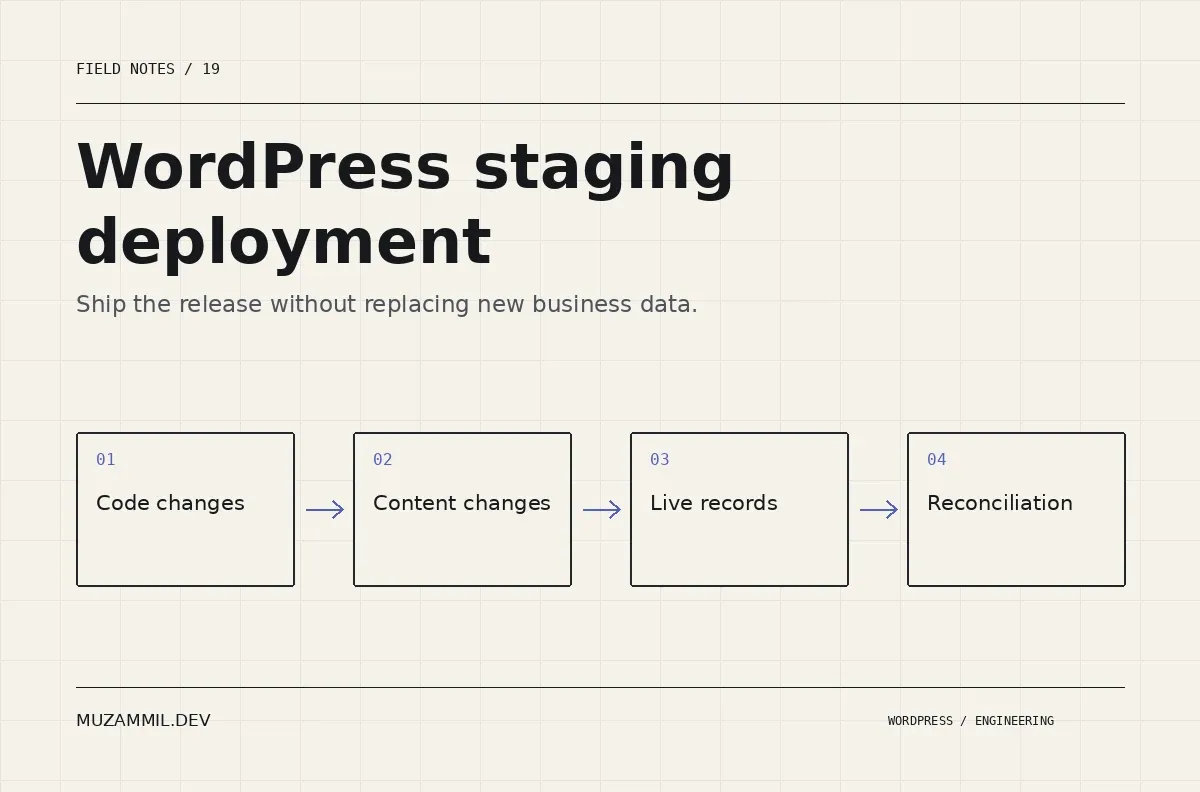
This guide separates the release into code, configuration, editorial content and live operational data. The exact tooling depends on your host and application, but the ownership questions stay useful across those environments.
List what changed on staging
Start with the release itself. Did you modify theme files, plugin code, templates, global styles, pages or settings? Write down each category rather than calling the whole staging site the deliverable.
Then identify where those changes live. A block-theme template may be stored in the database, while another template lives in a theme file. A plugin setting may contain a staging URL. A page may reference media that exists only in the development environment.
Also record what continued changing on production. Stores receive orders. Membership sites receive accounts and subscriptions. Service sites receive form entries and editorial updates.
Those two lists define the deployment problem. Until you have both, you cannot know what a database replacement would overwrite.
Give WordPress staging deployment a data-ownership map
Use a small table to make the intended source explicit. The examples below are planning categories, not a universal list of WordPress tables.
| Data or asset | Typical release treatment | Important question |
|---|---|---|
| Versioned theme or plugin code | Deploy the approved files | Which version is the rollback target? |
| Saved templates and global styles | Export or migrate deliberately | Will the import replace approved live changes? |
| New editorial pages | Move the selected content and dependencies | Are IDs, links and media references preserved appropriately? |
| Orders, accounts and enquiries | Keep current live records authoritative | Can the release avoid replacing them? |
| Environment credentials and URLs | Configure for the destination | Which values must never travel from staging? |
Review the map with the person who owns the business process. A developer may know which tables changed while the store manager knows why yesterday’s manual order adjustment matters.
Do not rely on table names alone
Some applications keep operational data across several related tables. Extensions can add their own records, queues and metadata. A simplistic “copy everything except orders” rule may miss those relationships.
WooCommerce’s storage architecture and extensions also affect where data lives. The HPOS documentation is relevant when planning a store release, but it does not replace an inventory of your actual extensions.
Inspect the current setup and identify dependencies before choosing a selective database tool. Test the result with representative records, including a recent transaction created after the staging copy was made.
If the tooling cannot preserve the required relationships reliably, change the release plan. A narrower code deployment or controlled content migration may be safer than a broad database push.
Move block-theme changes deliberately
The Site Editor can save templates and styles in the database. Therefore, deploying a theme directory alone may not reproduce the approved staging design.
Use a documented export or packaging process, then test it on a clean destination. The Create Block Theme listing describes tools for exporting and saving editor changes into theme files.
Also inspect user overrides on production. A file-based update may not replace a saved live template in the way you expect. Decide whether that override should remain, be migrated or be reset after preserving a copy.
Keep the change scoped. A release that needs one new page template should not quietly replace every global style and navigation record on the site.
Check URLs with a dry run
Staging URLs can remain in content, image references or plugin settings. Use a tool that understands the data formats you are changing rather than editing a database dump with a blind text replacement.
WP-CLI’s search-replace documentation describes serialized-data handling and a dry-run mode. The following command is an illustrative review step on a controlled copy.
# Review proposed URL changes without writing them.
wp search-replace 'https://staging.example.test' 'https://www.example.test' \
  --all-tables-with-prefix --skip-columns=guid --dry-run
Replace the example hosts with the actual reviewed values before use. Confirm the installation, table scope and multisite context. Do not remove the dry-run flag until you understand the reported changes and have an appropriate backup.
Also check values that should remain environment-specific, such as test payment credentials, mail-routing settings and webhook destinations. A global URL replacement cannot decide those policies for you.
Prepare backups and test the restore route
A database export is useful, but a complete recovery plan may also need files, uploads and environment configuration. Know what your backup contains and how long a restore takes.
The WP-CLI database-export reference documents that command’s scope. Exporting the database does not automatically archive the rest of the application.
Store backups outside public web delivery and restrict access appropriately. Then prove the restore process on a test environment. A backup that nobody has restored is an unverified recovery dependency.
Also consider new live records after the backup. If rollback would restore an older database, plan how those newer orders or enquiries will be preserved or reconciled. Restoring old state can create a second incident if it erases activity that occurred during the release window.
Rehearse the WordPress staging deployment
Create a fresh copy of production and apply the release procedure to that copy. Follow the written steps rather than making unrecorded fixes from memory.
Then verify a recent operational record, an older record and the changed design. Confirm that media loads, links point to the destination and background tasks use the correct services.
Run the important journeys: account access, enquiry submission, cart and checkout where relevant. Use safe test modes and prevent staging from sending real customer notifications or live external actions.
Record any manual step that the rehearsal reveals. The purpose is to discover the missing dependency before the actual deployment.
Define a launch window and a stop condition
Choose a window that matches the business’s activity and support availability. If an editorial or transaction freeze is necessary, define its scope and duration explicitly.
Name the conditions that should stop the release. Examples include missing operational records, failed form processing, a broken purchase path or a serious new error. Also name the person who decides whether to roll back.
After deploying, purge the relevant caches through the normal process and verify the anonymous frontend. Administrator sessions can hide cache-related differences.
Keep the release version and deployment time in the record. Those details help connect later reports to the change that actually shipped.
Reconcile before calling the release complete
Compare expected records and test outcomes after launch. Do not rely only on a homepage screenshot or the absence of a fatal error.
Check recent orders or enquiries around the deployment boundary, important settings and queued tasks. Then confirm that monitoring and backups still run under the destination configuration.
For the wider migration questions, see planning a complex WordPress migration. If a host’s staging tool cannot explain what its push will replace, review the deployment scope before using it.
A sound WordPress staging deployment moves the approved change while respecting the data the business created in the meantime. Those are two different responsibilities, and the release plan should make both visible.


