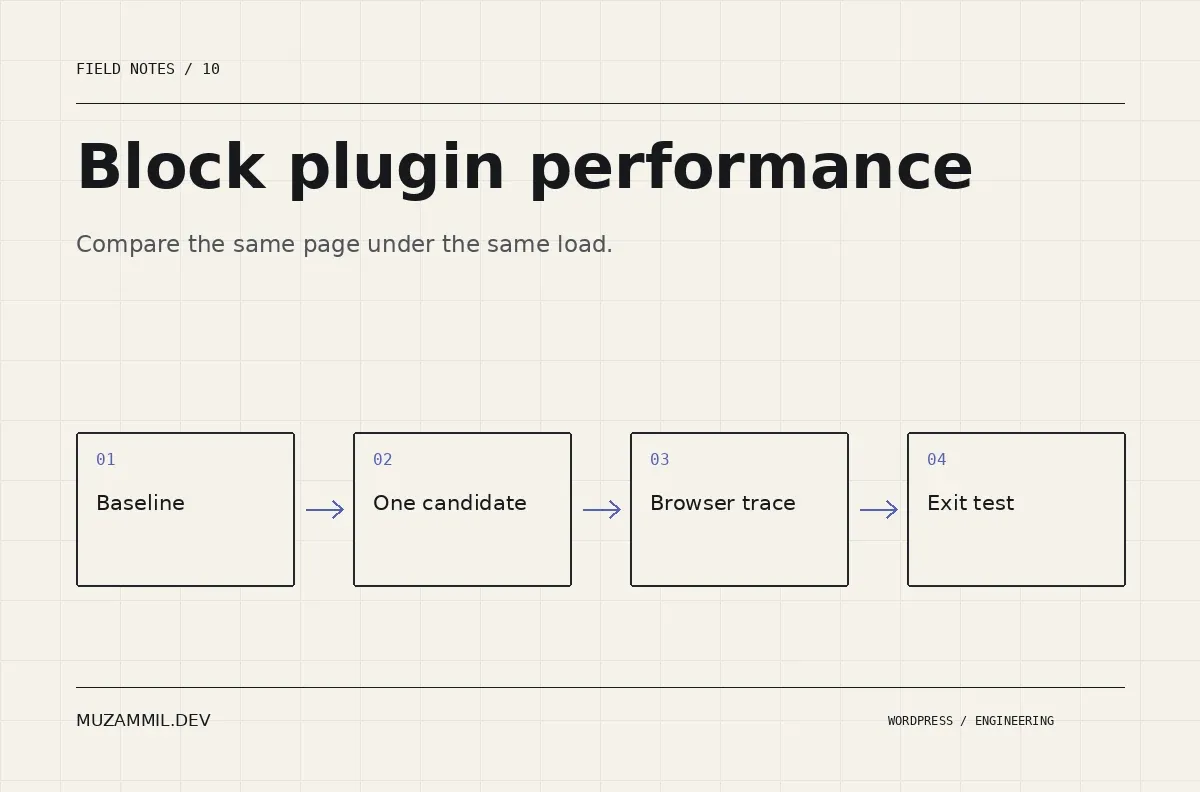
Block plugin performance is difficult to judge from a demo page. The demo may use different hosting, a warm cache, a smaller image or fewer third-party scripts than your client site. A good-looking score therefore tells you very little about the plugin’s cost in your project.
The opposite mistake is blaming the newest plugin for every slowdown. A page can become slower because someone changed the hero image, added a chat widget or disabled caching during the same release.
A useful comparison needs a repeatable page and a clear question. This guide shows how to build that test, inspect the evidence and make a decision without inventing a universal league table of block libraries.
Define the page you actually need to build
Start with the approved design or a realistic content fixture. Include the components that justify evaluating a plugin: a particular grid, a responsive layout, a dynamic collection or a more complex interaction.
Do not compare a rich plugin-built landing page with a blank core-block page. That measures different output. Instead, build the closest practical equivalents and document any feature that cannot be matched.
Use the same text, images, fonts and visible content. Keep the same theme and hosting environment. Also record the WordPress version and plugin editions, because a free library and its paid add-on may load different assets.
The test should answer a project question such as “What does this carousel add to our service page?” That is more useful than “Which plugin is fastest?”
Create a baseline for block plugin performance
Save a copy of the page before installing the candidate. Record the baseline HTML, network requests and a browser performance trace. Then capture a screenshot so you can verify that later measurements still represent the same content.
Use consistent cache conditions. Measure a cold visit and a repeat visit separately if both matter. A logged-in administrator may bypass the page cache, so do not compare that result with an anonymous visitor’s cached response.
Also record whether consent-dependent scripts loaded. If analytics runs in one test and remains blocked in another, the difference can overwhelm the cost you are trying to measure.
Run several samples rather than declaring a winner from one result. Use the same device profile and network conditions. Keep the individual observations so an unusually slow request does not become a misleading headline.
Inspect what reaches the browser
Open the network panel and identify the candidate’s stylesheets, scripts, fonts and media. Check both transfer size and when each resource loads.
A small script can still create long tasks. A larger stylesheet may be cached on repeat visits. Therefore, bytes alone do not describe the whole experience.
The block metadata handbook describes how registered block assets can be associated with the blocks that need them. However, a particular plugin’s actual loading strategy must be checked on the rendered page.
Also test a page that does not use the candidate’s blocks. If its assets appear there, record that as part of the site’s cost. Do not assume conditional loading from a marketing description.
Separate server work from frontend work
If the page waits before receiving HTML, investigate the server path. A frontend animation setting may not explain a slow database query or a remote API call.
Query Monitor can help attribute queries and other diagnostics to components during development. Use it to investigate causes, not as a substitute for measuring the anonymous visitor experience.
For deeper PHP profiling, a tool such as Code Profiler may be relevant. Its listing describes profiling frontend, backend and other request types. Choose the tool according to the question you need answered.
Then inspect the browser trace separately. Check image discovery, style calculation, layout and main-thread tasks. A faster server does not automatically make a heavy interaction responsive, and a clean animation does not repair a slow server response.
Measure the component after interaction
Many block demos look inexpensive until a visitor opens a modal, changes a filter or advances a slider. Test the interaction that justified the component.
For a filter, change a selection and inspect the request, response, focus and rendered results. For a carousel, use its controls with a keyboard and observe whether the page shifts. For a modal, check focus return and scroll behaviour after closing it.
Also test repeated use. A component that adds another listener or duplicate markup on every interaction may degrade gradually rather than failing on the first click.
Block plugin performance includes that ongoing behaviour. A quick initial load is useful, but it is not the entire product experience.
Keep images out of an unfair comparison
A library may offer a convenient image control that selects a larger source than the core-block version. That difference is worth fixing, but it should be reported accurately.
Inspect the image’s rendered dimensions, selected source and actual transfer size. Use equivalent crops and resolutions in both versions. Then check whether the main visible image is discovered promptly.
The web.dev LCP guide explains why late discovery and lazy loading can delay the largest contentful image. Those issues can arise from configuration as well as from a plugin’s implementation.
Avoid publishing a claim that a whole block suite is slow when the measured difference comes from a single oversized image you selected in one version.
Test the editing experience too
The site’s visitors are not the only users. A library can produce an acceptable frontend while making the editor difficult to work in.
Open a representative long page. Select nested blocks, change a heading, duplicate a section and save. Check whether the canvas remains responsive and whether the saved result matches the preview.
Ask the person who will maintain the site to perform those tasks. Count the steps that require developer help, and note any controls they cannot find. That is a real maintenance cost even if it does not appear in a browser score.
Also test reopening the post. Invalid-block warnings, lost styles and unexpected transformations matter more than a tiny initial-load advantage.
Run an exit test on a disposable copy
Deactivate the candidate on a backup copy and inspect what remains. Check text content, layout, dynamic output, styling and editor warnings.
Plugin-specific blocks may reasonably depend on their plugin. The purpose of this test is not to demand that every feature survives deactivation. It is to understand the dependency and estimate a future migration.
Then try exporting or rebuilding one section with the site’s intended handover tools. If the design relies on a paid feature, record the licence owner and renewal responsibility. A site is not inexpensive to maintain merely because its first build was fast.
Keep the exit-test findings alongside the performance results. They belong in the same selection decision.
Write a decision that another developer can challenge
Use a short record rather than a dramatic ranking. Describe the page, environment, component, measurement conditions and observed trade-offs.
| Evidence | What to record | What not to claim |
|---|---|---|
| Network comparison | Additional requests and transferred bytes | Universal speed superiority |
| Browser trace | Delays and expensive tasks on the tested page | Results for untested devices |
| Server diagnostics | Queries or calls tied to the component | That every delay comes from PHP |
| Editing trial | Tasks, friction and save behaviour | That every client will prefer the interface |
| Exit test | What survives and what needs rebuilding | That dependency automatically means poor quality |
If the candidate saves substantial build time while adding an acceptable cost, say so. If core blocks meet the design cleanly, that is also a useful result. The test should support a decision, not justify a purchase already made.
Make block plugin performance a release habit
Keep the test page and repeat the relevant checks after major updates. You do not need to rerun every possible measurement for a small content edit. Focus on changes that affect assets, rendering or interactions.
For the wider diagnostic sequence, see what to investigate before adding more cache. If you have two candidate implementations, send the pages and the task they need to support.
A fair test may produce a less exciting headline than “the fastest block plugin”. It produces a better reason to trust the build.


