Category: How To
-

WooCommerce Black Friday 2026: The Technical Prep Checklist
Use my WooCommerce Black Friday checklist to test checkout, stock, tracking and staging load before the 2026 sale, with clear owners and a recovery plan.
-
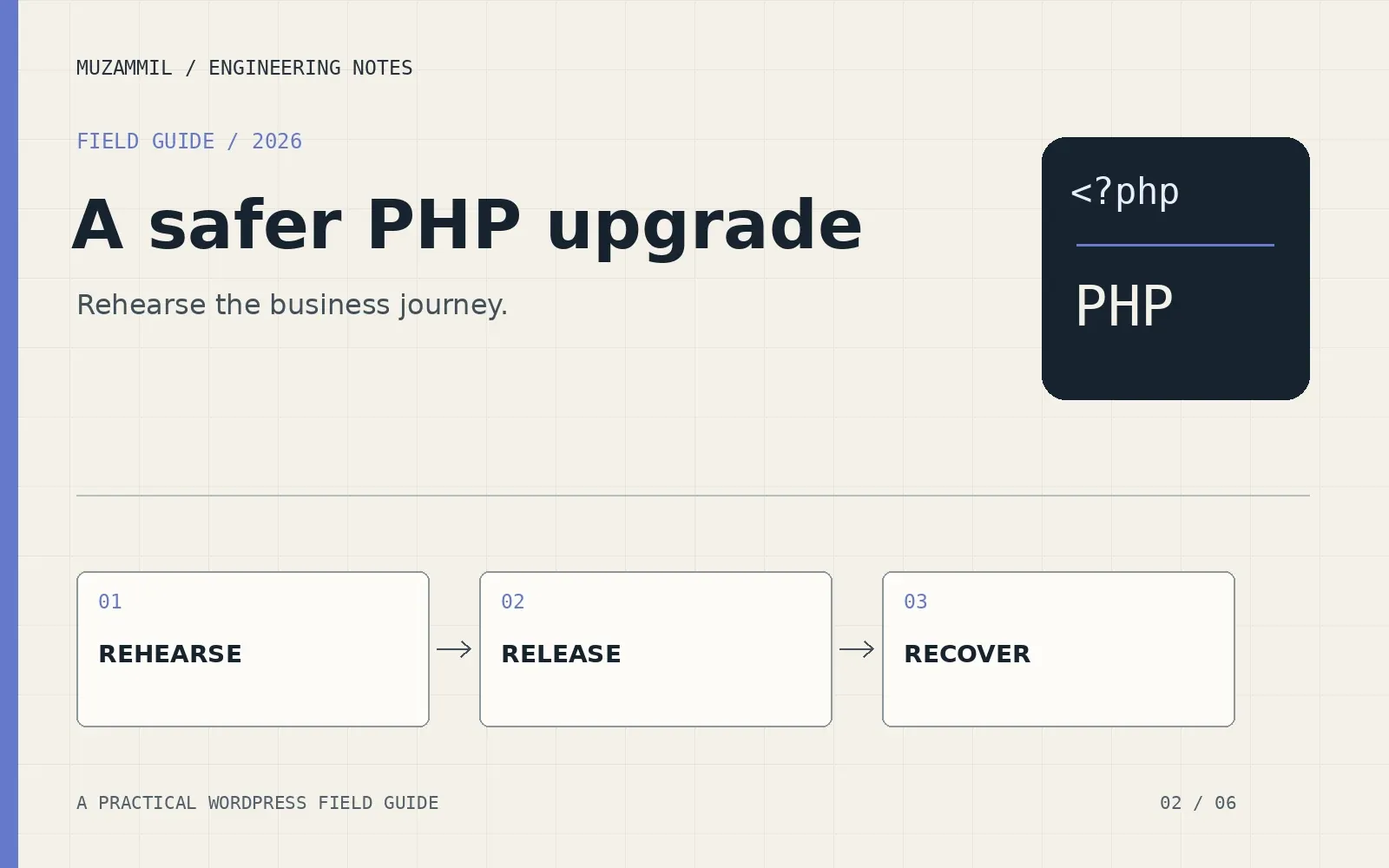
Upgrade PHP in WordPress safely: a rehearsal, a release plan and a way back
Upgrade PHP in WordPress with a tested staging copy, plugin checks, protected live data and a rollback plan that goes beyond restoring yesterday’s backup.
-
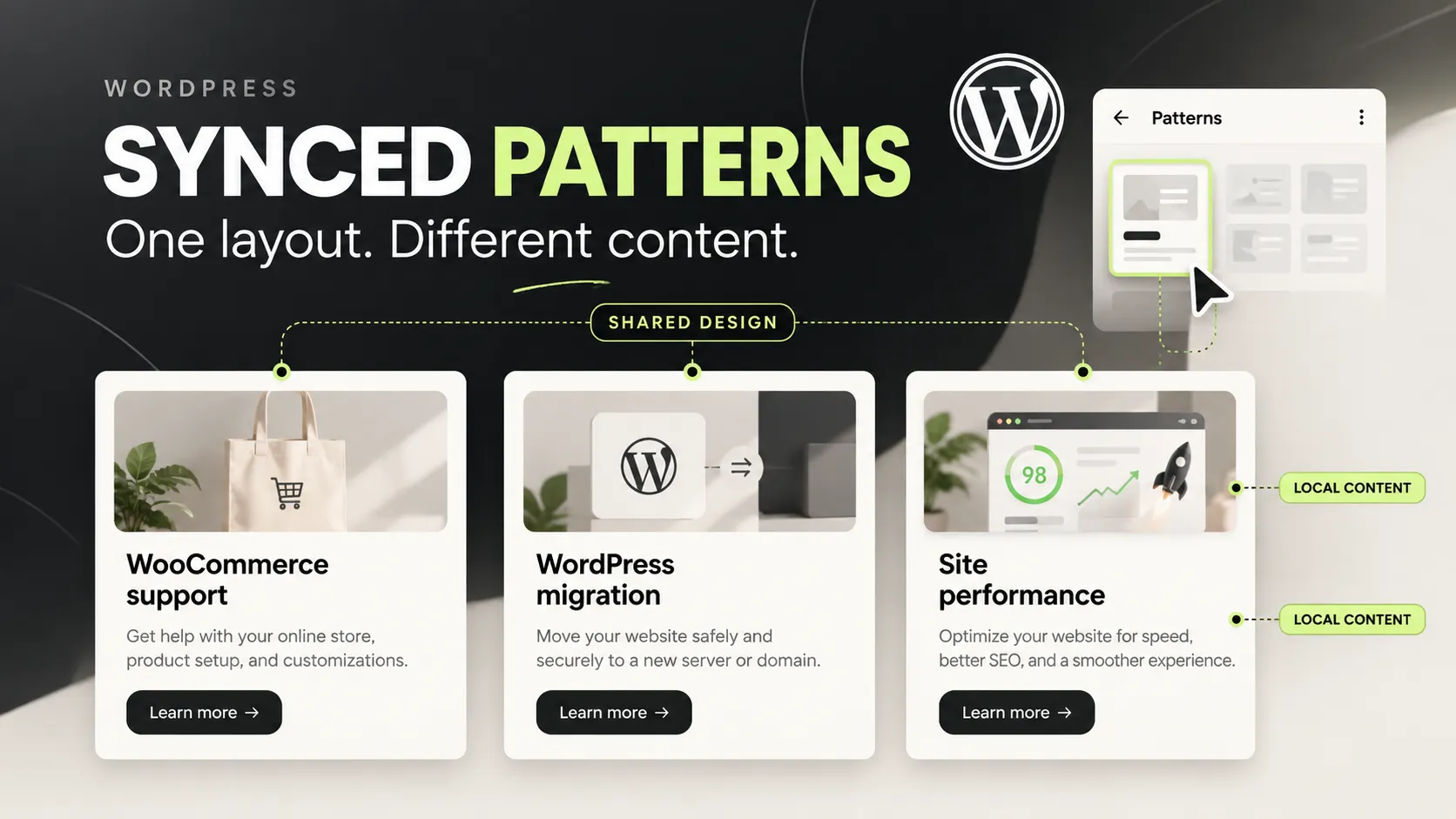
WordPress synced patterns: reuse a layout without sharing every word
Use WordPress synced patterns and overrides to share layouts while keeping local copy editable. Includes a decision table and a safe change workflow.
-
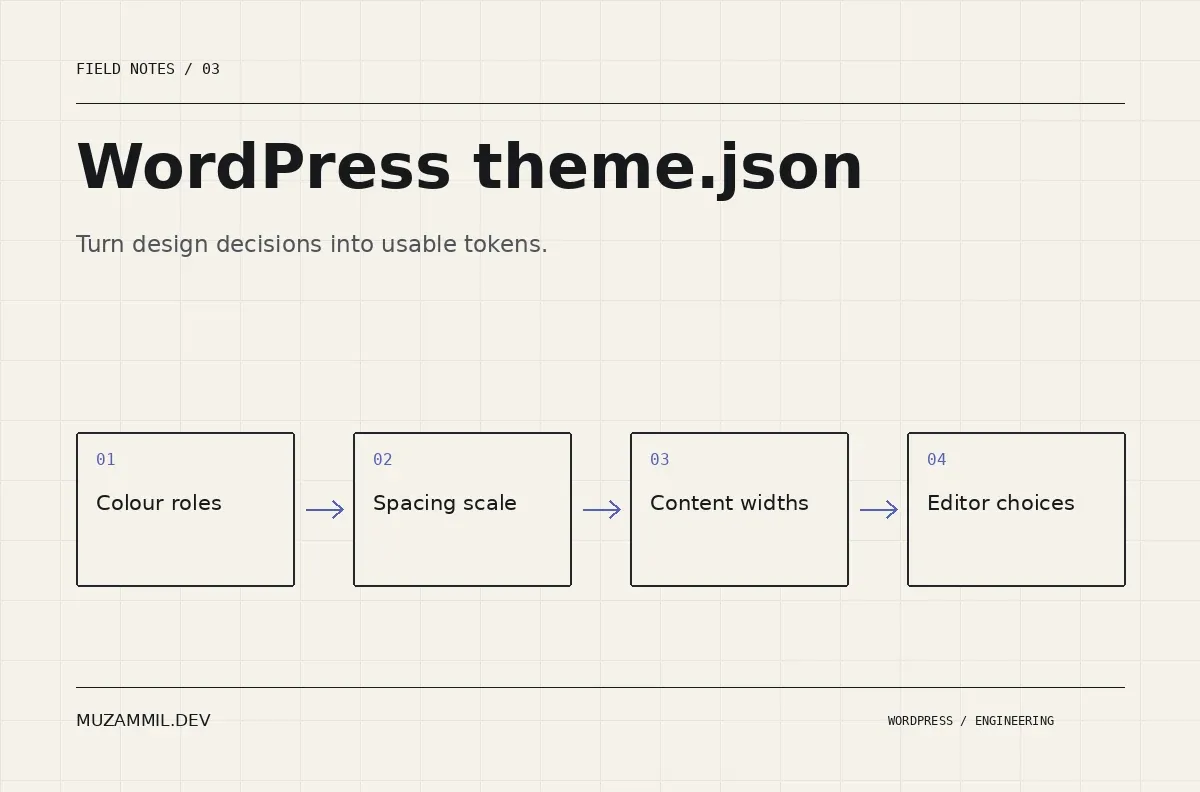
WordPress theme.json: build design tokens editors can actually use
Build a WordPress theme.json design system with usable colour, spacing and width presets, plus a rollout plan that protects existing content.
-

WooCommerce Speed Optimization: The Complete Developer Guide (2026)
A step-by-step WooCommerce speed optimization guide covering Redis caching, session cleanup, HPOS, image delivery, Core Web Vitals fixes, and JavaScript loading — with working PHP and Nginx code snippets.
-
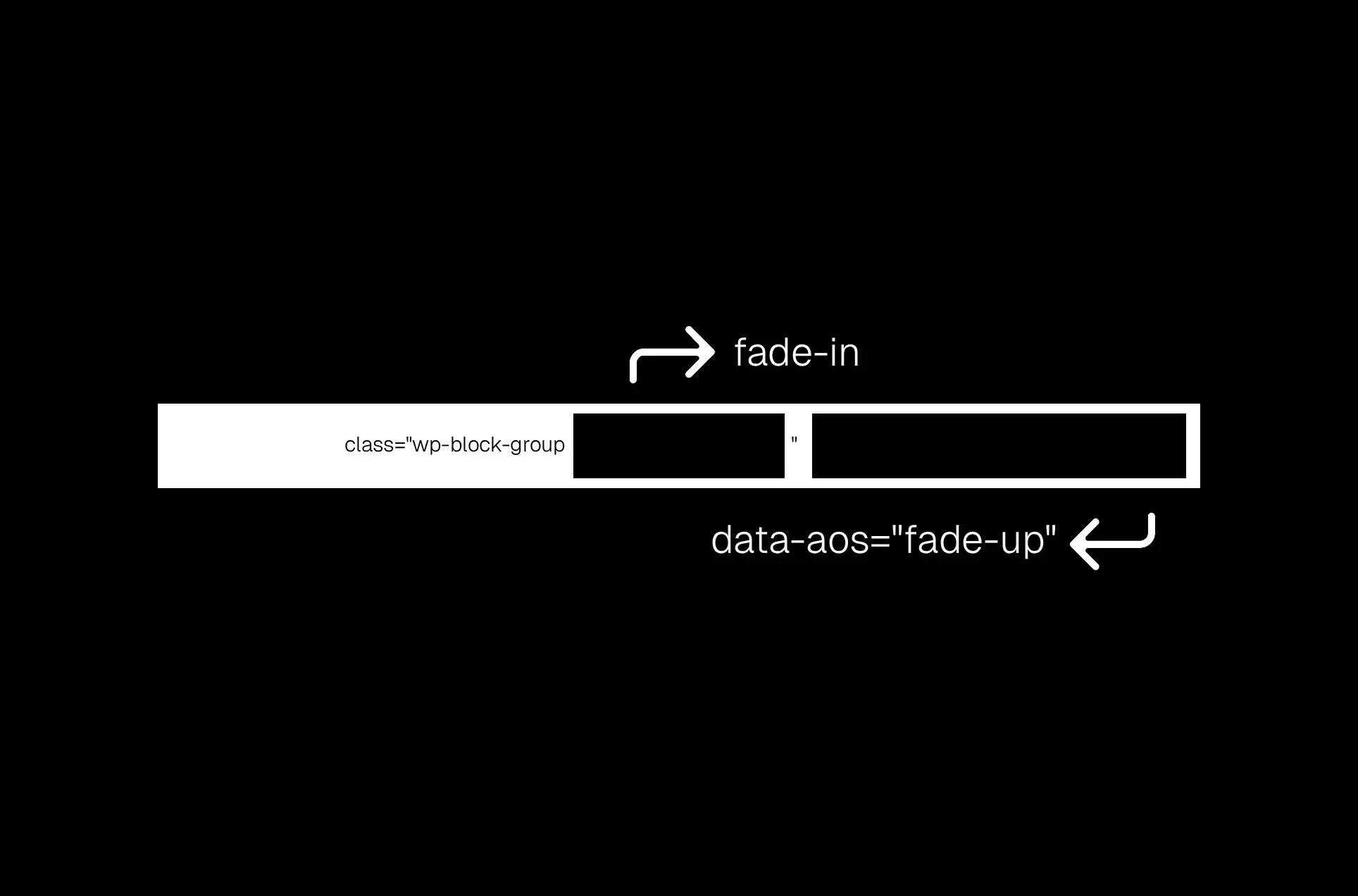
How to Add Custom Attributes to WordPress Blocks (Without Code)
Are you building a site with a block theme? Cool, it feels modern, visual, and empowering. You can drag, drop, and design entire layouts without touching code.
-
Automation Series: Setting Up n8n Locally (Windows + Mac)
I’ve decided to dedicate the next couple of months to writing and demonstrating a complete series about automation; how it affects our day-to-day life, simplifies workflows, and keeps everything organized without unnecessary.