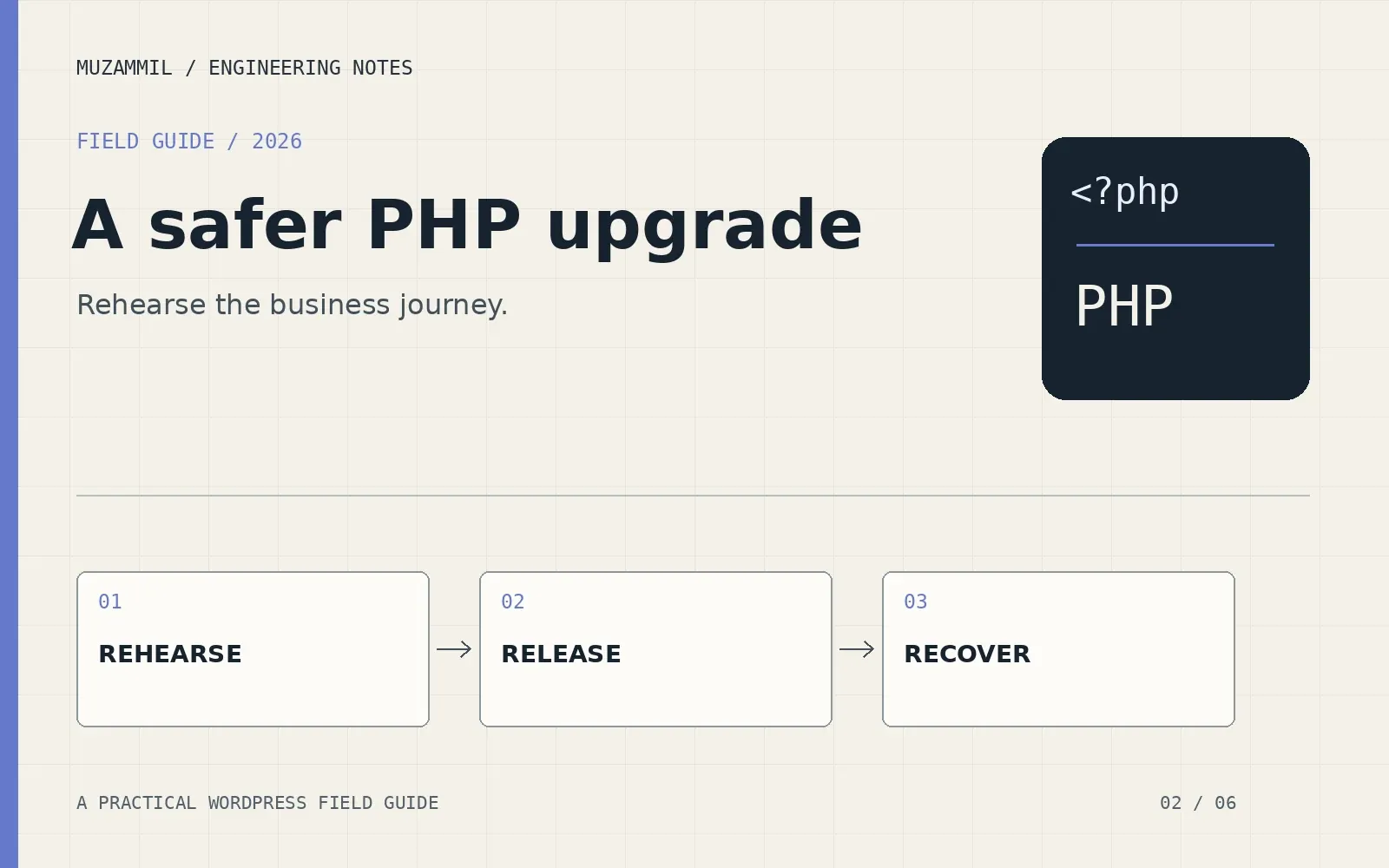
To upgrade PHP in WordPress safely, start with a question that the hosting selector cannot answer: what must still work when the new runtime takes over?
A homepage can look fine while a quotation form stops storing entries. An administrator can log in while a background invoice task fails. A cached product page can hide an error until a customer reaches checkout. Those are the paths an upgrade plan needs to cover.
I would treat the work as a small release. Choose a supported target, reproduce the environment, test the important journeys and agree a rollback that protects new business data. The PHP version change is one step inside that process.
Separate the security patch from the branch move
A patch release within your current supported branch and a move from one PHP branch to another are different changes. Both need verification, but a branch move can expose more compatibility work.
If an urgent advisory affects your runtime, ask the host which supported patched option it can apply promptly. Do not attach that emergency to a large theme rebuild simply because both involve development. A short security fix can buy time for the properly planned migration.
For the longer-term target, consult the PHP support calendar and the WordPress compatibility table. Core compatibility is one input. It does not certify every plugin, theme, custom integration or server extension on your site.
Write down the target branch and package source. Avoid a vague ticket that says “switch to latest” because the meaning can change between planning and release day.
Build an inventory someone else can use
Record the WordPress version, active theme, child theme, plugins and must-use plugins. Include custom snippets, drop-ins, scheduled commands and Composer-managed packages. A small custom payment callback deserves attention even if it never appears in the ordinary plugin list.
For each business dependency, identify the owner. Who supplies updates? Which licence grants access? Where is the source code? What happens if the vendor no longer supports the component?
Also capture the environment. The PHP handler, required extensions, memory settings and loaded configuration files can differ between runtimes. A missing image extension or database driver can break a feature even when the application code supports the target language version.
| Item | Evidence to collect | Decision it supports |
|---|---|---|
| Critical plugin | Installed version and vendor compatibility notes | Update, replace or test with a known limitation |
| Custom integration | Source repository and responsible developer | Assign the code review and repair work |
| PHP environment | Web runtime, extensions and relevant settings | Reproduce the production requirements |
| Live data | Orders, submissions, uploads and external records | Define what a restore must preserve |
| Recovery access | Working hosting access and restore procedure | Recover even when wp-admin is unavailable |
The inventory does not need to be elaborate. It needs enough detail that another developer can repeat the test without asking where the important code lives.
Make the staging copy representative
Use a recent, access-controlled staging copy with the same relevant code and comparable PHP configuration. Protect personal data appropriately. Staging should not accidentally send customers emails, charge cards or submit live CRM records.
Configure sandbox credentials or safe test destinations before exercising integrations. Document those differences because a sandbox success does not prove a production API key is correct.
Check whether the hosting panel changes only the selected domain or several domains sharing a pool. Confirm the scope with the provider. A PHP change intended for staging must not quietly affect production or a second client site.
Then record a baseline under the current runtime. If an image import already fails, you want to know that before comparing the target. Otherwise, the upgrade becomes responsible for every pre-existing defect someone notices that afternoon.
Update dependencies in controlled steps
Bring application components to supported releases through a documented sequence. Read significant release notes, especially where a plugin update includes a database migration. Test after each meaningful group of changes.
Avoid changing the theme, payment provider, cache stack and PHP branch in one release unless a dependency genuinely requires it. Smaller changes give you a clearer explanation when a test fails.
For custom code, inspect the migration guides for every PHP branch crossed. A move from 7.4 to 8.5 is not described completely by the 8.4-to-8.5 guide. Static analysis can help find problems, but runtime testing must cover the application’s actual data and external responses.
Where Composer manages dependencies, run its platform requirements check under the intended runtime. A successful dependency installation on a developer laptop does not establish that the production PHP extensions match.
Upgrade PHP in WordPress on staging first
Switch the staging environment to the chosen target, then verify the effective web runtime. Do not rely only on the panel’s saved selection. Ask the host how to confirm worker reloads or container replacement for its platform.
Check command-line jobs separately. A scheduled import may use a hard-coded PHP executable that the website selector does not change. Document both environments if the application needs both.
Next, repeat the baseline tests with the cache state noted. Browse logged out as well as logged in. Exercise ordinary users and editors where role-based behaviour matters. Review relevant logs without displaying diagnostic details to visitors.
If a test fails, capture the smallest useful reproduction: the action, time, environment, error and expected result. Fix that cause and rerun the affected journey. Do not compensate for an unexplained fatal error by increasing several resource limits and hoping it disappears.
Test outcomes, including the records behind the page
For a lead-generation site, submit a valid form and an invalid form. Confirm validation, the stored entry, notification processing and the next system’s record where an integration exists. A success message alone is not enough evidence.
For WooCommerce, follow the checkout flow using an approved sandbox or controlled test method. Inspect the order, payment state, stock effect and notification. Include the payment methods and account types the business actually uses.
For a membership or subscription site, check access rules and the relevant renewal or background workflow with suitable test data. For an editorial site, create, edit, preview and schedule content. Recheck media processing and any PDF generation used in daily work.
Agree a small acceptance list with the owner. Ten relevant checks are usually more informative than a hundred screenshots of pages that all read from the same cache.
Design the rollback around live data
A backup is useful only when you know what restoring it would overwrite. On an active store, yesterday’s database is missing today’s orders. On a service site, a restore can remove fresh enquiries. External systems may retain actions that WordPress then forgets.
Separate a PHP runtime rollback from a database restore. If only the runtime changed, the first recovery option may be switching to a previously verified, supported patched runtime. Confirm that option with the host before release.
If code or database changes accompany the upgrade, record their recovery requirements separately. Some migrations are not safely reversed by copying old plugin files. Decide how you will preserve or reconcile records created during the release window.
Name the person authorised to stop the release, and define the trigger. A failed checkout, lost form submission or repeated fatal error should have a clear response rather than an improvised discussion while visitors keep trying.
Use a release window with somebody watching
Choose a lower-risk period based on the business’s activity and support availability. Tell the relevant people when the change starts and which functions you will test. Confirm that hosting assistance is available if it is part of the recovery plan.
Take the agreed backup or snapshot, record its timestamp and verify access to the restore controls. Apply the tested change. Then confirm the active runtime before repeating the acceptance checks on production.
Watch fresh logs and relevant business records during the agreed observation period. Compare like-for-like performance measurements if speed is part of the goal. A language upgrade may help some workloads, but it is not a promised percentage improvement for every website.
After the immediate checks, test the next scheduled task or overnight process that the release window could not exercise. Put that follow-up on the handover record with a named owner.
Before closing the window, ask the business owner to perform one ordinary task with the team watching. Their path through the interface can differ from the developer’s test. Record any new issue separately, with enough detail to distinguish a regression from a request for different behaviour.
Close the upgrade with evidence
The completion note should state the old and new runtime, relevant dependency changes, backup reference, test outcomes and any remaining limitations. Keep the commands and configuration details needed for future maintenance in private technical documentation.
Then remove temporary diagnostics and check that staging still cannot trigger unwanted live transactions. Confirm who owns future PHP patches and when the chosen branch’s support status will be reviewed.
The WordPress PHP update guide provides useful background for site owners. For the recovery and ownership work around a release, see my WordPress security handover guide.
If you want help to upgrade PHP in WordPress, send the current versions and the workflows the site depends on. A useful scope begins with those details, then turns them into a testable change and a recovery plan the business understands.


