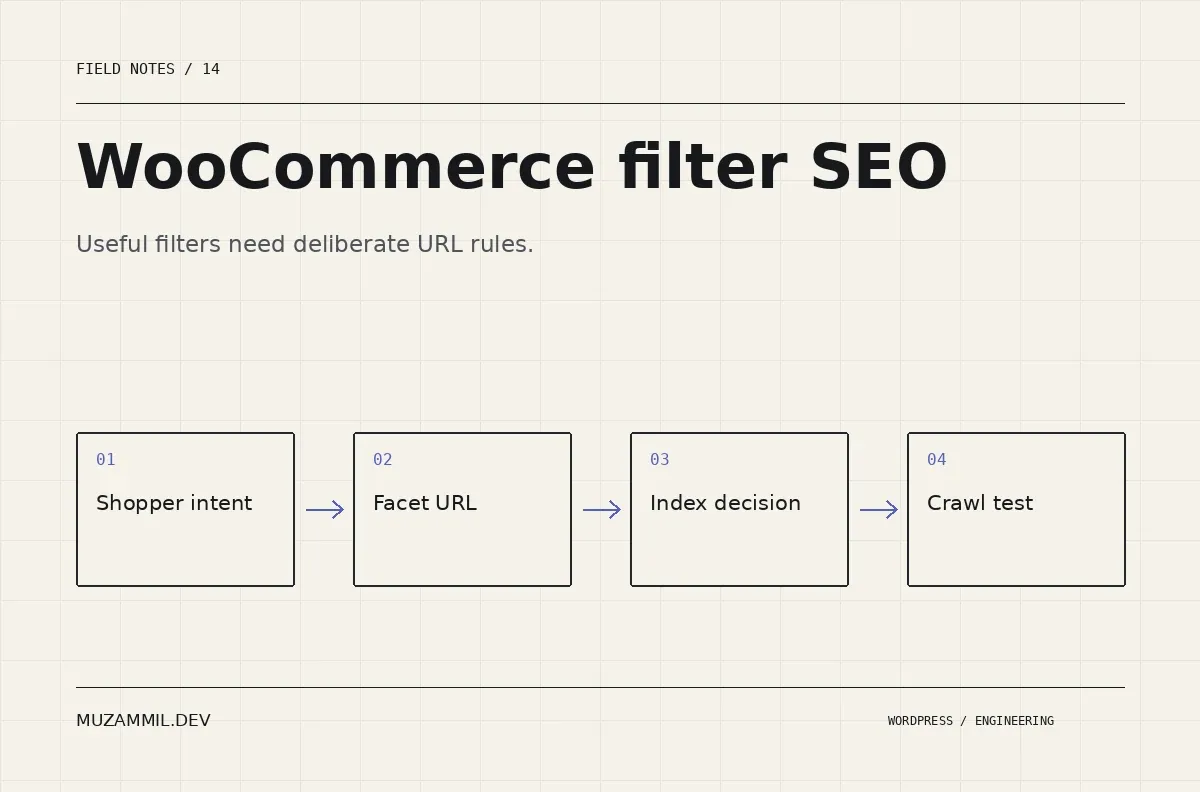
WooCommerce filter SEO starts with a useful feature that can create an awkward number of URLs. A shopper selects a colour, size, price range and sort order. The interface feels simpler, while the crawlable site may become much larger.
Some filtered collections deserve a search landing page. Others represent temporary browsing states with little value outside the current visit. Treating both groups identically can waste crawl resources and produce thin, repetitive pages.
The aim is not to remove filters. It is to decide which collections should become durable public pages and which states should remain browsing tools. This guide offers a practical decision process for a store that needs both useful navigation and understandable URL rules.
Inventory the URLs your filter actually creates
Use the live filter on a staging copy or a safe browsing session. Record the resulting URL for one filter, several filters, a different sort order and a paginated result.
Do not assume the parameter names from another WooCommerce site. Different themes and filter plugins produce different paths, query strings and Ajax behaviour.
Then inspect whether links to those states appear in the rendered page. A URL that exists technically is not necessarily linked in the same way as a category archive. Also check what the server returns when a crawler requests the URL directly without the browser’s previous state.
Save examples before changing settings. A filter’s interface can continue to look correct while its canonical, status code or crawl behaviour changes underneath.
Divide collections by customer intent
Consider the following illustrative groups. The examples describe intent, not the parameter syntax of a specific plugin.
| Collection | Possible search value | Starting decision |
|---|---|---|
| A stable product category | Clear, recurring buying intent | Consider an indexable category page |
| A useful category plus one important attribute | May answer a distinct buying need | Evaluate a curated landing page |
| An arbitrary price slider position | Often a temporary browsing state | Usually avoid creating a search page for every value |
| Sort by newest or price | Same items in another order | Avoid treating each sort state as a new editorial page |
| An impossible attribute combination | No useful result | Return an appropriate empty-state response |
The right decision depends on the catalogue and audience. A specialist store may have valuable attribute-led collections that a small general store does not need.
Use actual customer questions and available search evidence. Do not invent demand because a parameter combination can produce a page.
Use WooCommerce filter SEO to support durable collections
If a collection deserves indexing, give it the attention of a real landing page. It needs a stable purpose, accurate title, useful product selection and a clear place in the internal linking structure.
For example, a durable category for a particular tool type may be more useful than a temporary filter URL containing several unrelated settings. The page can explain the selection criteria and help buyers distinguish the products.
Keep the content specific to the collection. Repeating the same paragraph while swapping an attribute name creates pages that are technically different but editorially interchangeable.
Also plan the empty state. If stock changes frequently, decide whether the collection remains useful, shows alternatives or should no longer exist. A landing page strategy needs a maintenance policy as well as an initial keyword map.
Understand crawling, indexing and canonicalisation separately
Google’s faceted-navigation guidance explains that large numbers of filter URLs can consume crawling resources. It distinguishes preventing unnecessary crawling from managing URLs that you want considered for indexing.
A robots.txt disallow controls crawling. It is not the same instruction as a noindex directive. If a crawler cannot fetch a page, it may not see the noindex instruction on that page.
Likewise, a canonical is a signal about the preferred representative URL; it is not a universal mechanism for stopping all crawl activity. The Google canonicalisation documentation explains the role of canonical signals.
Choose a coherent strategy for the URL group you are managing. Do not stack unrelated settings until the audit tool becomes quiet.
Avoid a blanket robots rule copied from a tutorial
A broad query-string rule can block useful pages or resources if it does not match your actual URL structure. Before changing production robots.txt, list the exact patterns and the pages they affect.
Test a small set of representative URLs: the base category, an approved collection, an unwanted filter state, pagination and product pages. Then review the rules with the person responsible for technical SEO.
Also inspect existing rules from the host, security tools and SEO plugin. Two individually reasonable configurations can interact badly when combined.
If a filter plugin offers crawl controls, read its current documentation. An option called “SEO friendly” is not enough detail to approve the configuration. Find out what HTML, links, canonicals and response behaviour it changes.
Keep pagination and product discovery in the plan
A filtered collection can span several pages. Check that visitors can reach later results and that important products remain discoverable through the site’s intended navigation.
Do not use a filter strategy that accidentally makes a substantial portion of the catalogue reachable only through a fragile browser interaction. Google provides ecommerce pagination and incremental-loading guidance for these browsing patterns.
Then test the direct URL of a later page. Confirm the correct results, status and page state. If enhanced navigation replaces content without a full reload, verify that image loading, focus and browser Back behaviour remain usable.
WooCommerce filter SEO should not improve an audit report by making the catalogue harder for people to browse.
Handle empty and nonsensical combinations deliberately
Filters can create combinations that have no products. Some combinations may be valid but temporarily empty; others may never make sense for the catalogue.
Give the visitor a clear explanation and a way to remove a filter. Avoid leaving a blank grid that looks like a loading failure.
For crawler responses, follow the relevant guidance for impossible or empty combinations and verify the server’s actual status behaviour. Do not assume that the text “No products found” means the response is handled appropriately.
Also prevent endless variation in URL ordering where your filter implementation allows it. Equivalent states should not create unnecessary permutations simply because the same parameters appear in a different order.
Measure WooCommerce filter SEO with the right evidence
Use Search Console to inspect representative URLs and review indexing patterns over time. The Page Indexing report documentation explains the report’s categories and limitations.
Also inspect server logs if available. They can show which filter patterns crawlers actually request. A list of theoretical combinations is useful for design, but real requests help prioritise the work.
Compare the same groups before and after a change. Watch for unintended exclusions of approved collections or product pages. Keep the deployment date and rule changes with the evidence so later fluctuations are easier to interpret.
Do not promise an immediate ranking gain from reducing filter URLs. The direct goal is a more coherent, manageable site. Search outcomes depend on content, demand, competition and many other factors.
A practical release check
Before launch, test the filter interface on desktop and mobile. Verify direct links, pagination, empty results, canonical output and the intended crawl rules. Then repeat as a logged-out visitor through the real cache path.
After launch, inspect a few approved and excluded examples. Monitor for unexpected status codes, crawler traps and missing products. Keep a rollback copy of the previous configuration.
For the broader technical investigation, see the WooCommerce performance framework. If you need a review, send the shop URL and a few filter combinations.
The useful question is not whether every filter page can rank. It is which collections deserve to exist as maintained search pages, and how the rest of the browsing system should behave.


