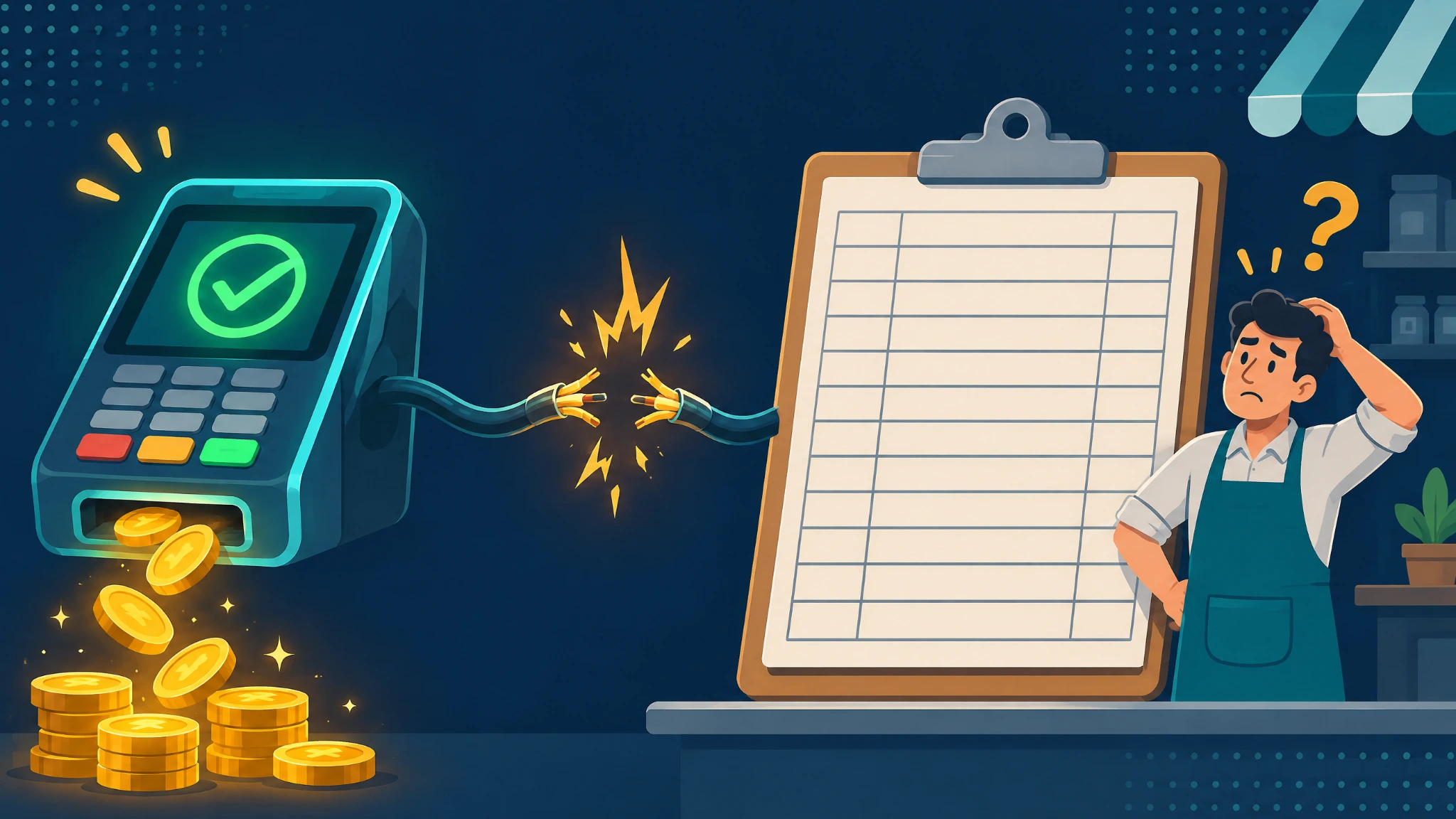
The call usually starts the same way. A customer says they paid, they have the receipt from Stripe, and there is no order in WooCommerce. Nothing in the admin shows it. The money is real and the record does not exist.
This is not a rare edge case and it is almost never a Stripe fault. It is a gap between two systems that confirm on separate paths. This guide explains how the gap opens, how to find out which of the three usual causes you have, and the recovery step most guides leave out.
Why the money and the order travel separately
When a customer pays, two things happen that feel like one. Stripe processes the card and takes the money. Then Stripe sends a webhook to your store telling WooCommerce what happened, and WooCommerce creates or advances the order on the strength of that message.
The customer sees a successful payment because the first half worked. Your store shows nothing, or an order frozen on pending payment, because the second half did not arrive or was rejected on arrival.
Stripe retries a failed webhook, and its retry logic is aggressive but finite. Once it gives up, nothing in either system goes looking for the order again. That is the part that catches store owners out: there is no alarm, and no daily reconciliation unless you built one.
The three causes worth checking, in order
1. The signing secret no longer matches
This is the most common cause by a wide margin, and it usually follows a plugin update. The update creates a new webhook endpoint in Stripe with a new signing secret, while the old endpoint, with the old secret still saved in your WooCommerce settings, keeps receiving the events. Stripe reports the event as delivered. WooCommerce rejects it because the signature does not verify. Both systems look healthy in isolation.
2. Test and live modes are crossed
A test mode signing secret on a live store, or the reverse, produces the same symptom. This happens most often after someone debugs a payment problem and forgets to switch a key back.
3. A firewall is blocking Stripe
Security plugins and host-level firewalls sometimes block the webhook request before WordPress sees it. Stripe records a failed delivery with a 403 rather than a signature error, which is how you tell this apart from the first two.
Work from the records outward, not from the order
The instinct when an order is missing is to create it by hand, or to find the pending order and mark it paid. Resist that until the end. The moment you edit order state you destroy the evidence you need to tell a genuine customer payment apart from a card testing success, and you lose the trail that tells you how many other orders are affected.
Work in this order instead:
- Stripe events. Find the payment. Confirm the amount, currency, email and timestamp.
- Webhook delivery. In Stripe, open Developers and then Webhooks, and look at the delivery attempts for that event. Was it sent? What did your store return?
- Signature validation. A 400 with a signature error means cause one or two above. A 403 or a timeout means cause three.
- WooCommerce order notes. WooCommerce writes gateway activity into the order as private notes. If a pending order exists, its notes usually name the failure.
- Only then, the order itself.

Fixing the webhook is only half the job
This is the step that gets skipped, and it is the one that costs money. Repairing the endpoint stops the bleeding for future orders. It does nothing for the orders already dropped while it was broken.
After the endpoint and secret match and a test event returns a 200, go back into Stripe and replay the failed events from the period the webhook was broken. Stripe keeps them. Replaying lets WooCommerce process each one properly, which creates or advances the orders through the normal code path, fires the emails and adjusts stock, rather than leaving you to recreate them by hand.
For anything replay cannot resolve, reconcile manually by matching on amount, currency, email, timestamp and metadata together. One field alone is not enough. Two customers buying the same product within the same hour is common, and matching on amount alone will eventually attach the wrong payment to the wrong person.
My take: nobody was watching the gap
The configuration error is the shallow cause. The real problem is that a store can lose orders for days before a human notices, and the only reason anyone finds out is that a customer complains. Everything in the stack reported success. Stripe succeeded. The checkout succeeded. WooCommerce was never told, so it had nothing to report.
Any store taking meaningful volume should have one scheduled check that compares successful payments in the gateway against orders in the store for the same window, and raises a flag when the counts disagree. It is a small piece of automation and it turns a three day silent failure into a same day alert. I would rather build that for a client than spend an afternoon reconciling a weekend of lost orders.
The second thing I will say plainly: never mark an order paid to make a customer happy before you have matched it to a real payment. It feels like service. It is how stores ship goods against card testing successes.
How to fix this on your store
- Open Stripe, find the payment, and note the amount, currency, email and exact time.
- In Stripe, open Developers and then Webhooks. Check whether an endpoint exists with your store URL, and look at its recent delivery attempts.
- Compare the signing secret in Stripe against the one saved in your WooCommerce payment settings, and confirm both are live mode or both test mode.
- Delete any duplicate or stale endpoints left behind by a plugin update, so only one remains.
- Send a test event from Stripe and confirm your store returns a 200.
- Replay the failed events from the whole period the webhook was broken.
- List any payments still without an order and reconcile them by matching several fields together, not just the amount.
- Add a recurring check that compares gateway payment counts against store order counts.
Step six is where care is needed. Replaying a long window on a busy store can trigger a wave of customer emails for orders placed days ago. Check what your email settings will send before you replay, and consider pausing customer notifications for that run.
Stop losing orders between the gateway and the store
If payments and orders have drifted apart on your store, a WooCommerce technical review traces every path that creates an order and checks that each one records what the gateway took. For stores that need the reconciliation built as an ongoing safety net rather than a one-off fix, WooCommerce development covers that work.
This post deals with one specific failure. For the wider picture across payments, webhooks and background queues, read how to diagnose WooCommerce order failures.
Frequently asked questions
Why did Stripe take the payment but WooCommerce show no order?
Because the payment and the order record travel on separate paths. Stripe processes the card immediately, then sends a webhook telling WooCommerce to create or advance the order. If that webhook never arrives, or arrives and fails signature verification, the money moves and the store is never told. The most common cause is a signing secret mismatch after a plugin update created a second webhook endpoint.
Can I just mark the WooCommerce order as paid?
Not as a first step. Marking an order paid before matching it to a real payment destroys the evidence you need and risks fulfilling an order against a fraudulent charge. Confirm the payment in Stripe first, matching amount, currency, email and timestamp, then replay the webhook event so WooCommerce processes it through its normal path rather than editing the order by hand.
How do I recover WooCommerce orders lost while the webhook was broken?
Replay the failed events in Stripe. Open Developers, then Webhooks, select the endpoint, and resend the events from the period the webhook was failing. WooCommerce will process each one normally, which creates the orders, sends the emails and adjusts stock. Fixing the endpoint alone does not recover anything that was dropped while it was broken.
How do I stop this happening again?
Set up a recurring reconciliation that compares the number of successful payments in your gateway against the number of orders in your store for the same period, and alerts you when they disagree. Also check your webhook endpoints after every payment plugin update, since that is when duplicate endpoints and stale signing secrets are created.


